MSI Kombustor
MSI Kombustor is a utility for testing GPU performance and graphic cards stress tests.

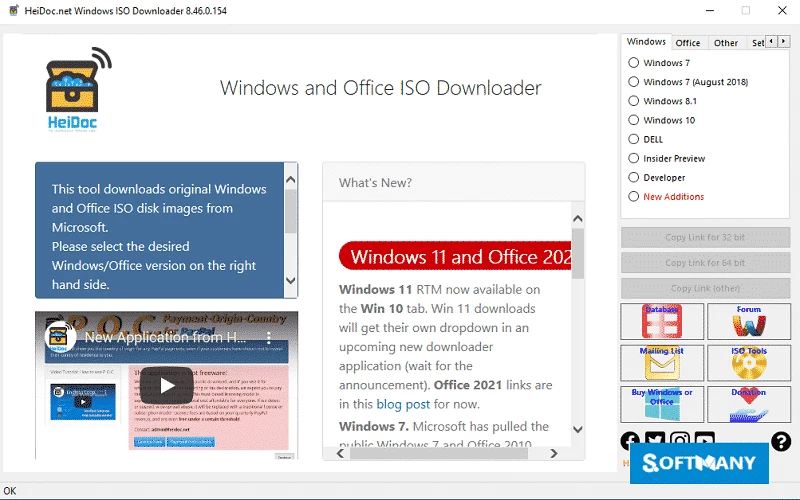
Windows ISO Downloader is a comprehensive tool to enable users to download all Windows versions and Office ISO files right from Microsoft’s servers. It is a simple to use and portable app that requires the .NET Framework to continue the workflow.
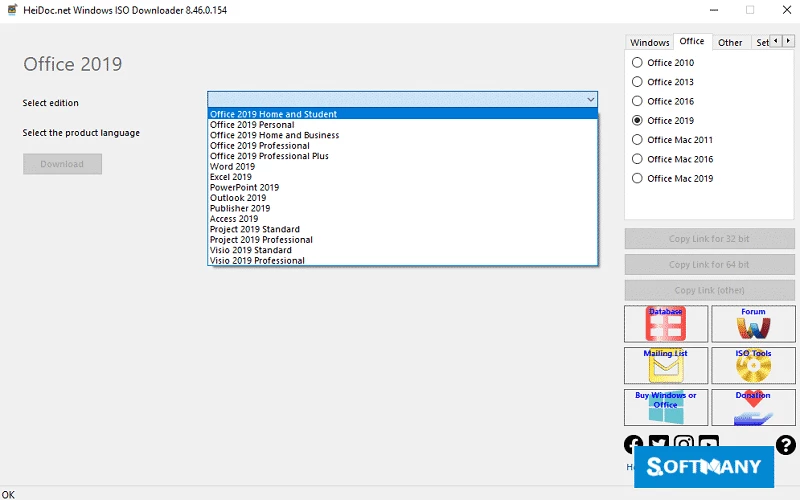
The tool offers a user-friendly interface with the flexibility of selecting your requirements from the dropdown menu. It enables users to download genuine Microsoft products like Microsoft Office 2010, Office 2013, Office 2016, Office 2019 burn them using CDs or DVDs, and finally play them on any compatible device.
Windows ISO Downloader is a simple and free tool developed by Jan Krohn and was officially released by Microsoft to give access to the Windows versions and other products as well. Earlier, Microsoft offered disk images for products with the cooperation of its subcontractors, Digital River, and next introduced the TechBench website for the purpose that based on TechBench and allows downloading multiple hidden products.
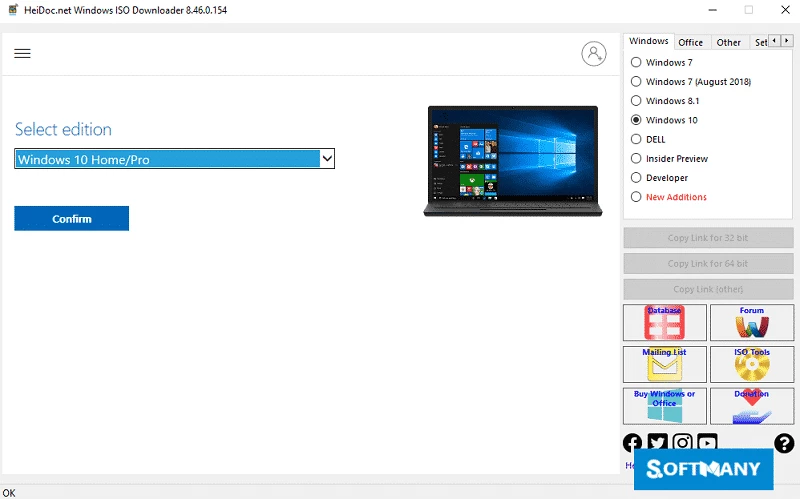
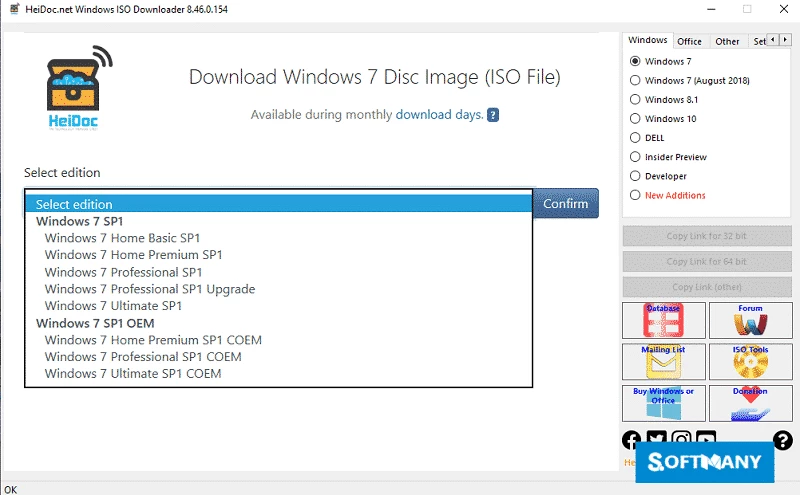
You will find a list of operating systems as well as office suites available on the platform, and it allows you to select your required system. In addition, a form similar to TechBench is offered for you to select your requirements, including the release of OS, product language, bit mode, and so on.
The app is equipped with a clear and straightforward interface, and a well-organized list of Windows and Office versions is displayed. You will also find other important details such as release dates, languages, and architectures. You can also use the search functionality and filtering options to locate your required versions quickly. The simplicity and smooth user experience make the app one of the best choices. At the bottom of the screen, you will find a link. Simply click the “Download” button, and start downloading, or you can manually copy the link and download it using your browser.
It is the best solution to offer a comprehensive collection of Windows operating system ISO files, including various versions and editions. So, you can select whatever version you like, such as Windows 7, Windows 8, Windows 10, and Windows 11, along with a selection of languages and architectures. In the meantime, you can get official downloads of your desired Windows version or other products of the office suite. Lastly, you will find direct download links offered by Microsoft’s servers, and get quick updates.
It is a simple and lightweight tool with a little system storage consumption that allows users to get the latest Windows versions. It is also possible to select 32-bit or 64-bit versions, as it is necessary for downloading Windows 10 or Windows 8.1, and within a few clicks, transfer files to your system.
You have to download full ISO files with an internet connection, and move to the installation process without any need of internet connection. So, you can continue your installation process offline. In addition, you can also access to Microsoft Office suites to get your desired Office products while enabling easy installation as well as offline setup of Office applications.
The users are also allowed to select a language for their operating system, as the tool has English by default. The tool offers a dropdown menu for your ease to select the language for your new operating system, and obviously, the operating system will be installed in the language you have selected. The entire downloading process initiated smoothly while acquiring files from the Microsoft website.
The tool offers seamless integration to your Windows environment to offer quick access and download capabilities. The lightweight capacity also enables the tool to run more effectively and reliably on all types of Windows.
The app is available for free, even without any hidden charges, and no advertisement will appear on your screen to distract your concerns. You can easily download the original files, and also older or special versions, such as Inside builds. There is no need for a bootable drive, installation of anything, or changing of the files; instead, simply get raw installation files with safety and security. You can use alternative tools like Rufus and the Media Creation Tool if you already have an ISO file in your drive.
The users are capable of downloading a huge variety of Microsoft products, such as all versions of Windows as well as Office products, Insider Previews, multi-edition ISOs, N versions, and so on. You can also get download links of 32-bit as well as 64-bit versions. However, the combining of different versions or the creation of a combined installation file isn’t possible.
Pros
Cons

MSI Kombustor is a utility for testing GPU performance and graphic cards stress tests.

Unlocker allows you to delete, move, and rename locked files from your operating system

Custom Resolution Utility (CRU) fine-tuning and customizing resolution on pc

GS Auto Clicker use for repetitive clicking of the mouse

Caffeine, a lightweight and free-to-use utility to prevent your PC from falling asleep or locking up

Windows 10 Update Assistant updates your pc to the latest version of Windows 10